
With VDI Profiler, you get centralized control over user settings, clean profiles at every login, and a better VDI experience for all users.
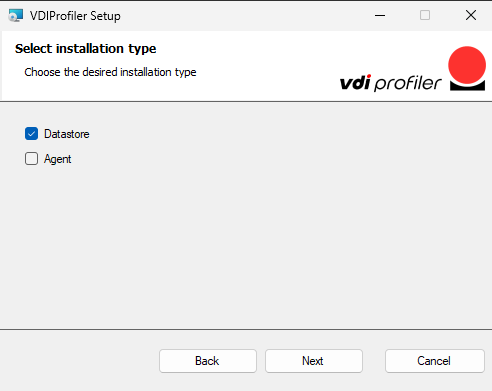
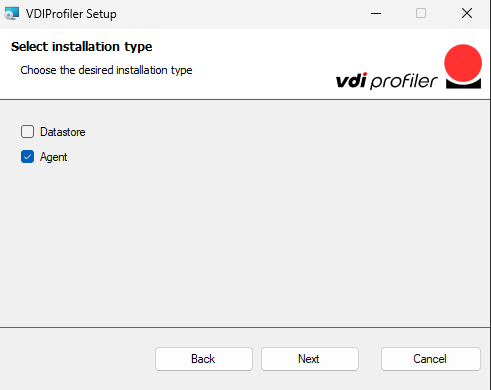
VDIProfiler is based on two components:
Datastore will be installed on a Windows Server.
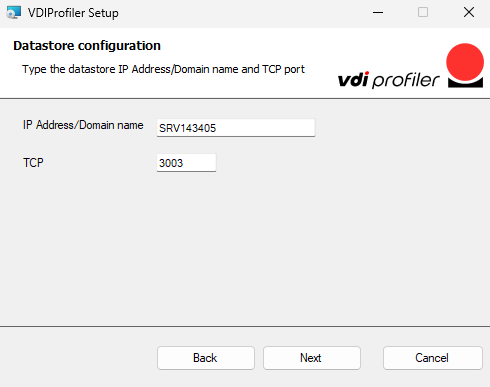
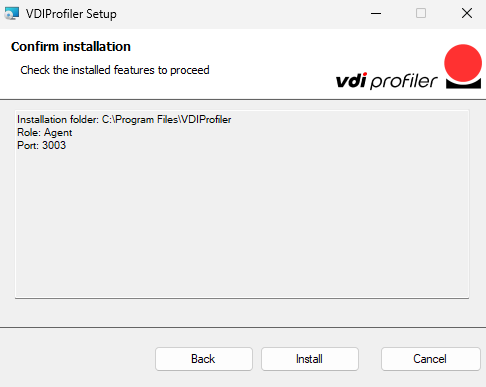
The Windows Server must be reachable by all Agents via TCP protocol (Default port is 3003).
Agent will be installed on all the RDSH servers and or VDI workstations, physical or virtual.
We will call Datastore role a server where the Datastore is running.
We will call Agent Role a server or PC where the Agent is running.
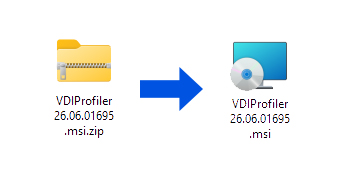
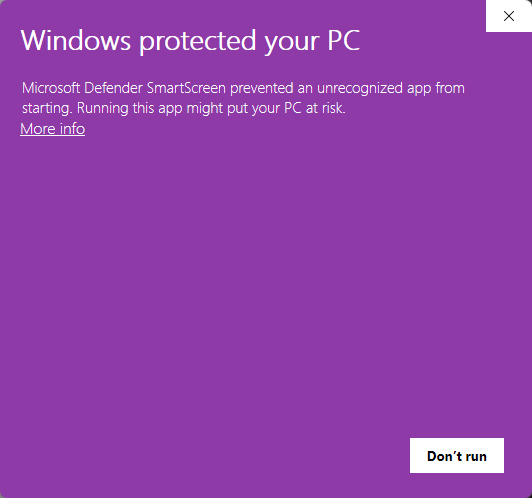
In case you have strict policy setting on administrators, this warning may show up when you launch the installer.
It's not a malware detection warning of any sort, VDI Profiler is completely safe. The software is "unrecognized" because it's not code-signed with a certificate recognized by Microsoft. It will be in the future. Just proceed as following:
1. Click on "More info"
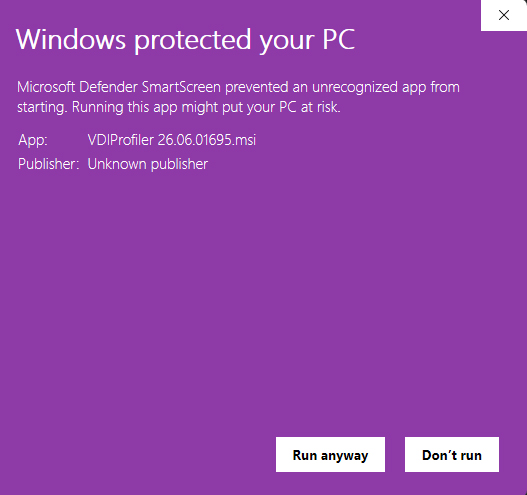
2. Click on "Run anyway"
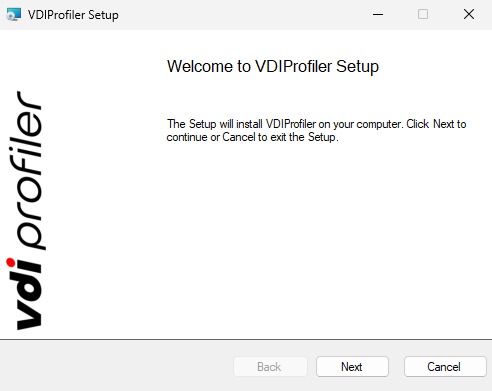
1. Click on "Next"
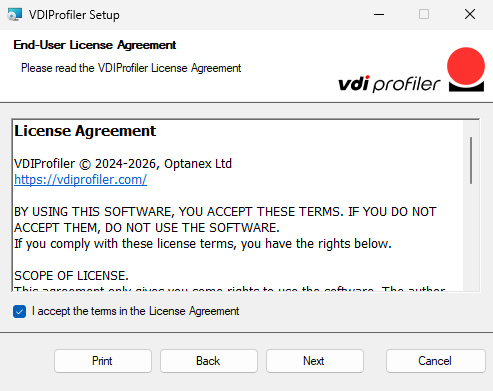
2. Click on "Next"
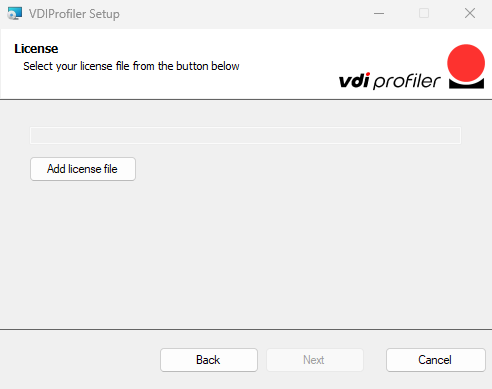
1. Click "Add license file"
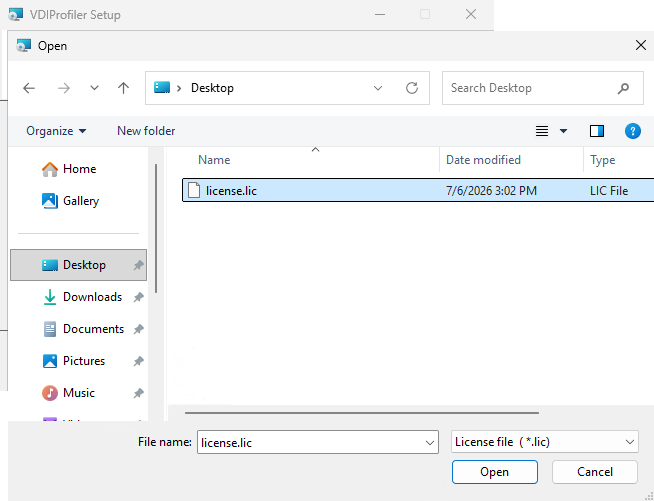
2. Select the license file downloaded from the second email received
3. Click on "Open"
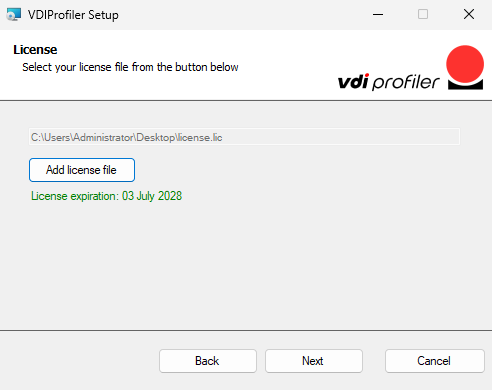
4. Click on "Next"
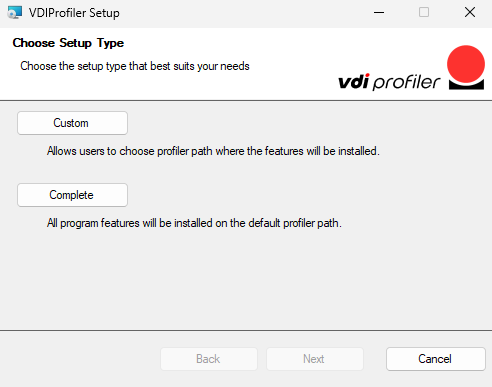
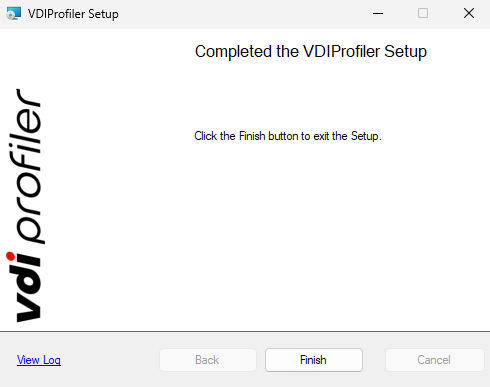
1. Click on "Complete" for standard use.
In case you have strict policy setting on administrators, this warning may show up when you launch the installer.
It's not a malware detection warning of any sort, VDI Profiler is completely safe. The software is "unrecognized" because it's not code-signed with a certificate recognized by Microsoft. It will be in the future. Just proceed as following:
1. Click on "More info"
2. Click on "Run anyway"
1. Click on "Next"
2. Click on "Next"
1. Click "Add license file"
2. Select the license file downloaded from the second email received
3. Click on "Open"
4. Click on "Next"
1. Click on "Complete" for standard use.
In case you have strict policy setting on administrators, this warning may show up when you launch the installer.
It's not a malware detection warning, VDI Profiler is completely safe. The software is "unrecognized" because it's not code-signed with a certificate recognized by Microsoft. It will be in the future. Just proceed as following:
1. Click on "More info"
2. Click on "Run anyway"
1. Click on "Next"
2. Click on "Next"
1. Click "Add license file"
2. Select the license file downloaded from the second email received
3. Click on "Open"
4. Click on "Next"
1. Click on "Complete" for standard use.
We often send out our newsletter with news and great offers. We will never disclose your data to third parties and you can unsubscribe from the newsletter at any time.
Unfortunately, we’re unable to offer free samples. As a retailer, we buy all magazines from their publishers at the regular trade price. However, you could contact the magazine’s publisher directly to ask if they can send you a free copy.
You can create a new account at the end of the order process or on the following page. You can view all of your orders and subscriptions in your customer account. You can also change your addresses and your password.
No, you don’t have to create an account. But there are a few advantages if you create an account.
You never have to enter your billing and shipping address again
Find all of your orders, subscriptions and addresses in your account
Download invoices of your orders
No, we don’t have a physical store location at the moment. We accept only orders through our online shop and we’re shipping all orders with the Swiss Post Service. Please visit our shipping section for more details.
From time to time you will find us at design fairs and popup markets in Switzerland. Subscribe to our newsletter and you’ll receive the latest news.

You will receive an email with the download links